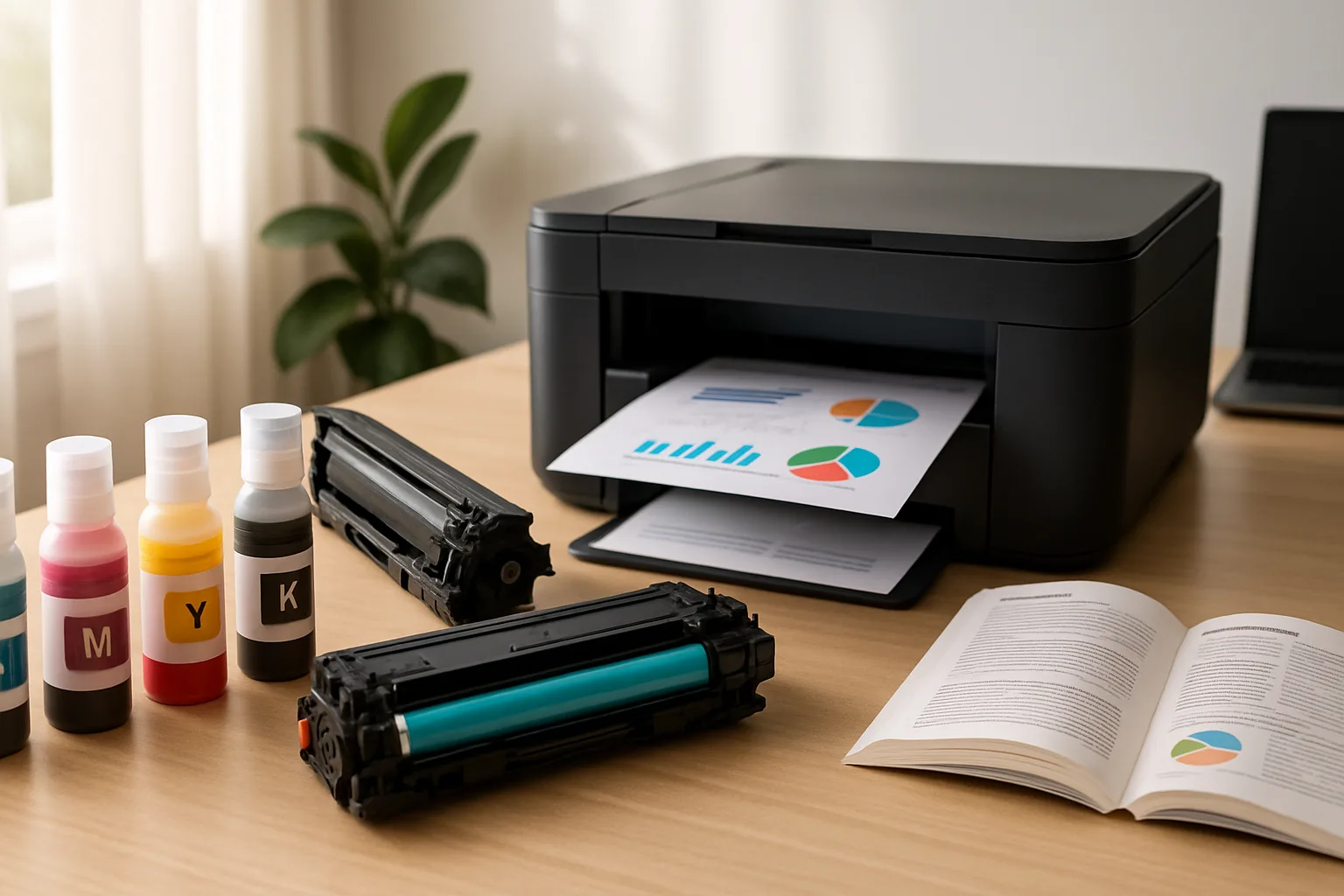
Paper affects how ink dries, how toner bonds, and how a finished page feels. Plain office paper is suitable for routine documents, drafts, and forms. Coated or photo paper is designed for more vivid images and smoother surfaces, but the coating must match the printing technology and the printer’s settings.
Check the printer manual for supported paper sizes, weights, and types. A thick sheet, envelope, or label stock may need a particular tray or feed path. Loading media the wrong way can cause jams or print on the unintended side. Use the package directions and set the paper type in the print dialog when available.
For photos, choose paper made for your printer type and intended finish. Glossy, luster, and matte surfaces produce different looks, and color can vary between brands. Handle photo paper by its edges and store it flat in its packaging. Give freshly printed inkjet images time to dry before stacking or placing them in an album.
Keep paper sealed in a dry room to limit curling and moisture absorption. Fan a stack only if the printer’s guidance recommends it, and do not overfill the tray. If pages feed unevenly, remove the stack, square the edges, and check that the guides touch the paper without bending it.
Also on this site: All coverage