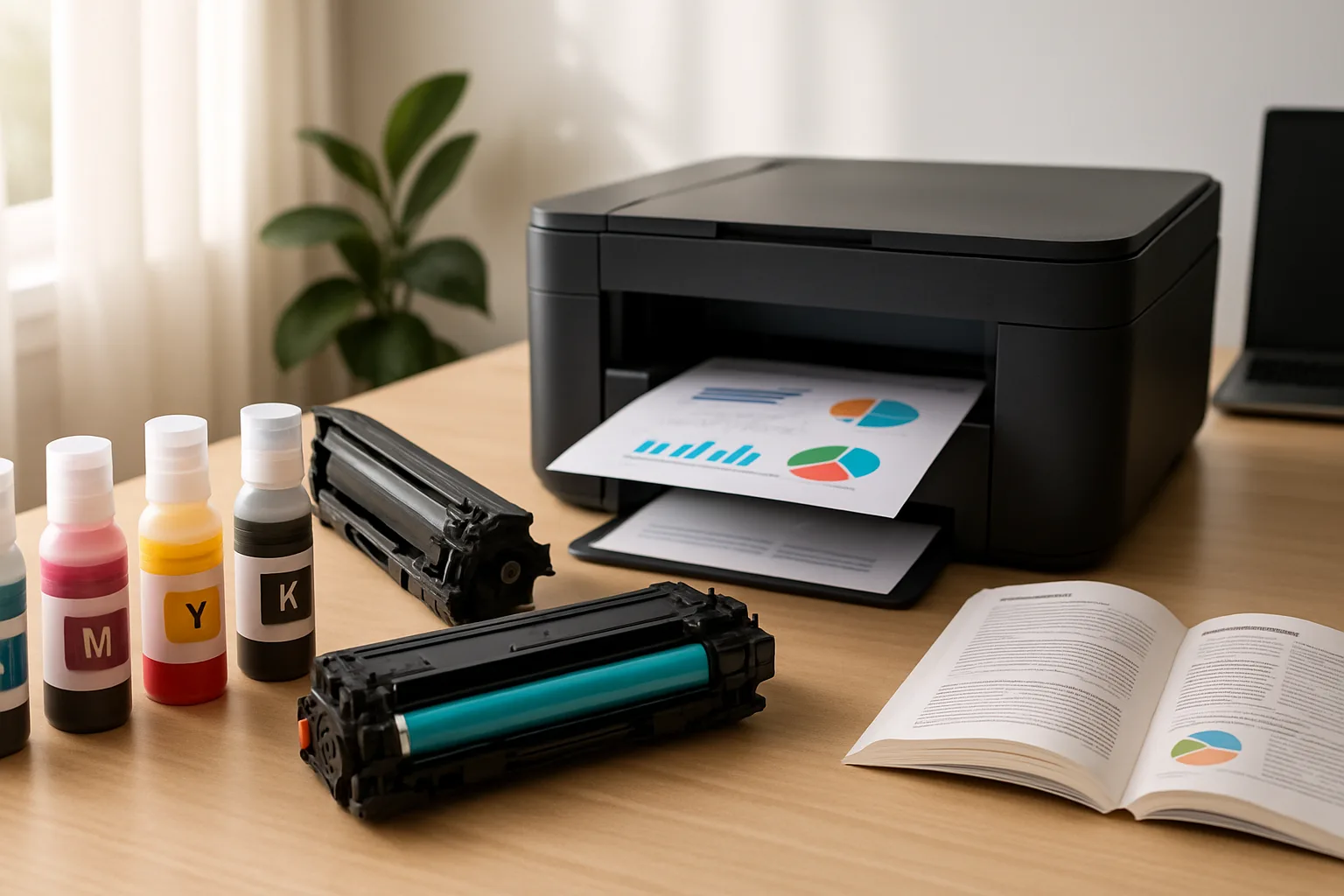
Inkjet printers place tiny droplets of liquid ink on paper. They are often a natural fit for households that print photos, school projects, color graphics, or a mix of occasional tasks. Many models are compact, but ink can dry around the printhead if the printer sits unused for long periods.
Laser printers use toner powder and heat to form text and images. They are particularly handy for frequent batches of forms, homework, and other text-heavy documents. Toner does not dry out like liquid ink, though the printer itself can be larger and more involved to maintain.
Think about your actual routine rather than the printer’s headline speed. A household printing a few colorful pages each week has different needs from one producing long black-and-white documents every day. Consider available space, color needs, the cost and availability of replacement supplies, and whether automatic two-sided printing matters.
Before choosing, check the exact cartridge family supported by each model and read the setup and maintenance requirements. A low purchase price does not tell the whole ownership story. Match the printer to your most common jobs, and make sure its paper handling and connection options suit the people who will use it.
Looking Past the Price Tag: Running Costs, Habits and Edge Cases
The clearest way to compare an inkjet and a laser printer is to estimate what each page will cost you over a year or two. Manufacturers publish an approximate page yield for most cartridges, usually based on standardised test pages, so you can divide the price of a replacement cartridge by its rated yield to get a rough cost per page. Your real figure will vary with how much of each page is covered, but the comparison between models is still useful. Our guide to printer page yield explains how those numbers are measured and why your results may differ.
How often you print matters as much as how much
An inkjet that is used every few days tends to stay healthy, because ink keeps moving through the nozzles. One that sits idle for weeks may need cleaning cycles, and those cycles use ink. If your printing comes in bursts, such as tax season or the start of a school term, a laser printer can sit unused between them without much risk. If you would rather keep an inkjet, printing a small test page now and then helps. Our article on why inkjet printheads clog covers the causes and simple prevention habits.
Colour, photos and paper types
Colour laser printers do exist, but they are generally bulkier and need several toner cartridges. For glossy photo paper and smooth colour gradients, inkjets usually do better. Laser printers rely on heat to fuse toner, so check the specifications before using labels, transparencies or speciality media. Some materials are not designed to handle that heat.
Practical questions to settle before buying
- Is a scanner or copier needed, or will a single-function printer do?
- Will several people print wirelessly from phones and laptops?
- Are replacement cartridges easy to find locally and online, and are compatible alternatives supported?
- How much noise, heat and desk space can the room tolerate?
Before committing, confirm which cartridges a model accepts. Some printers are built to work only with specific cartridge versions. You can learn how to check printer cartridge compatibility so you avoid buying supplies that will not work in your machine.
Also on this site: All coverage