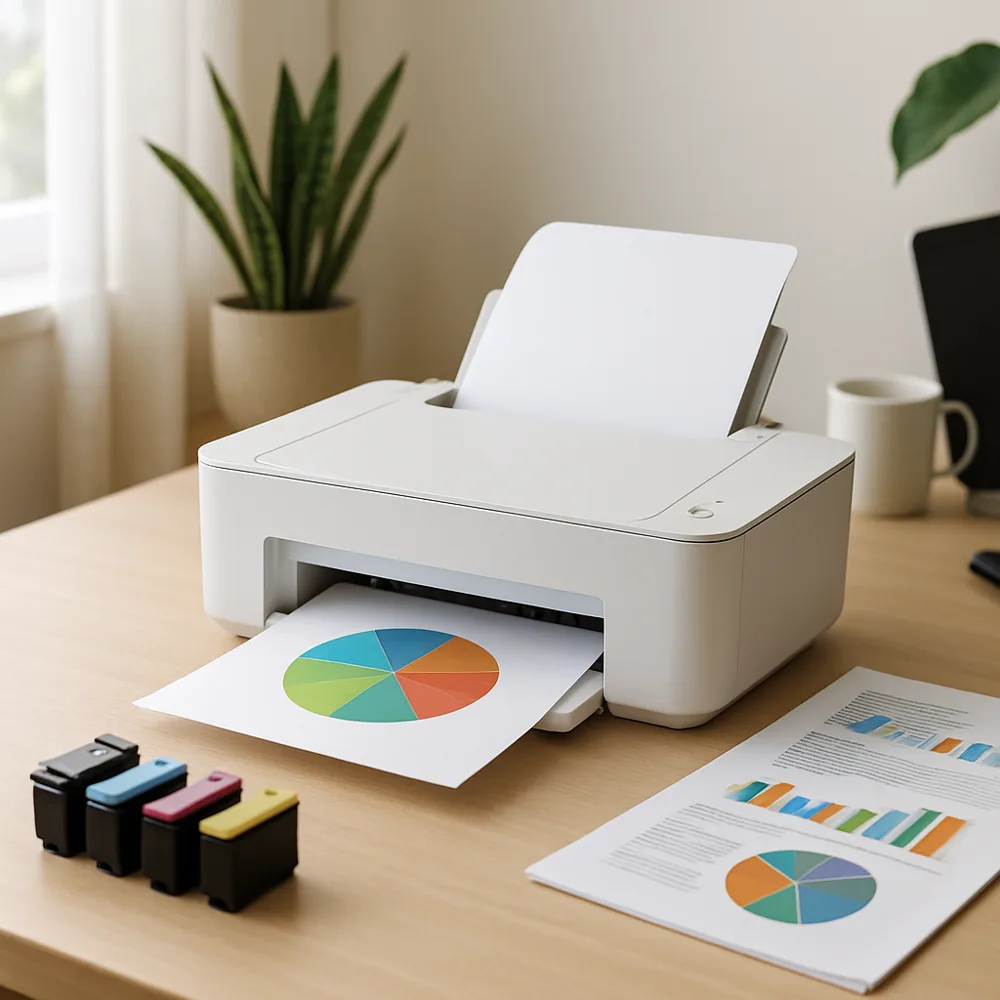
Before cleaning, read the printer’s maintenance instructions and turn the device off as directed. Unplug it if the manual recommends doing so, and allow hot components in a laser printer to cool. Use a clean, soft, lint-free cloth for accessible outer surfaces. Avoid sprays, household cleaners, and wet cloths near openings.
For a paper tray, remove the stack and wipe away loose dust from surfaces the manual identifies as user-accessible. Do not push debris deeper into the paper path. If the printer provides a roller-cleaning routine, use that procedure rather than scrubbing rollers with an unapproved product.
Inkjet printers may offer automated printhead cleaning, but that function uses ink and should be used only when needed. Never scrape nozzles or touch electrical contacts. On a laser printer, toner can create fine dust; follow the product’s safety guidance and avoid blowing it around with compressed air or cleaning it with an ordinary vacuum.
Do not dismantle the printer to reach internal components unless the manufacturer identifies the task as user maintenance. Keep food, drinks, and loose craft materials away from the machine. If print quality remains poor after approved cleaning steps, use the troubleshooting guide or seek qualified service rather than risking damage to a drum, printhead, or fuser.
Also on this site: All coverage