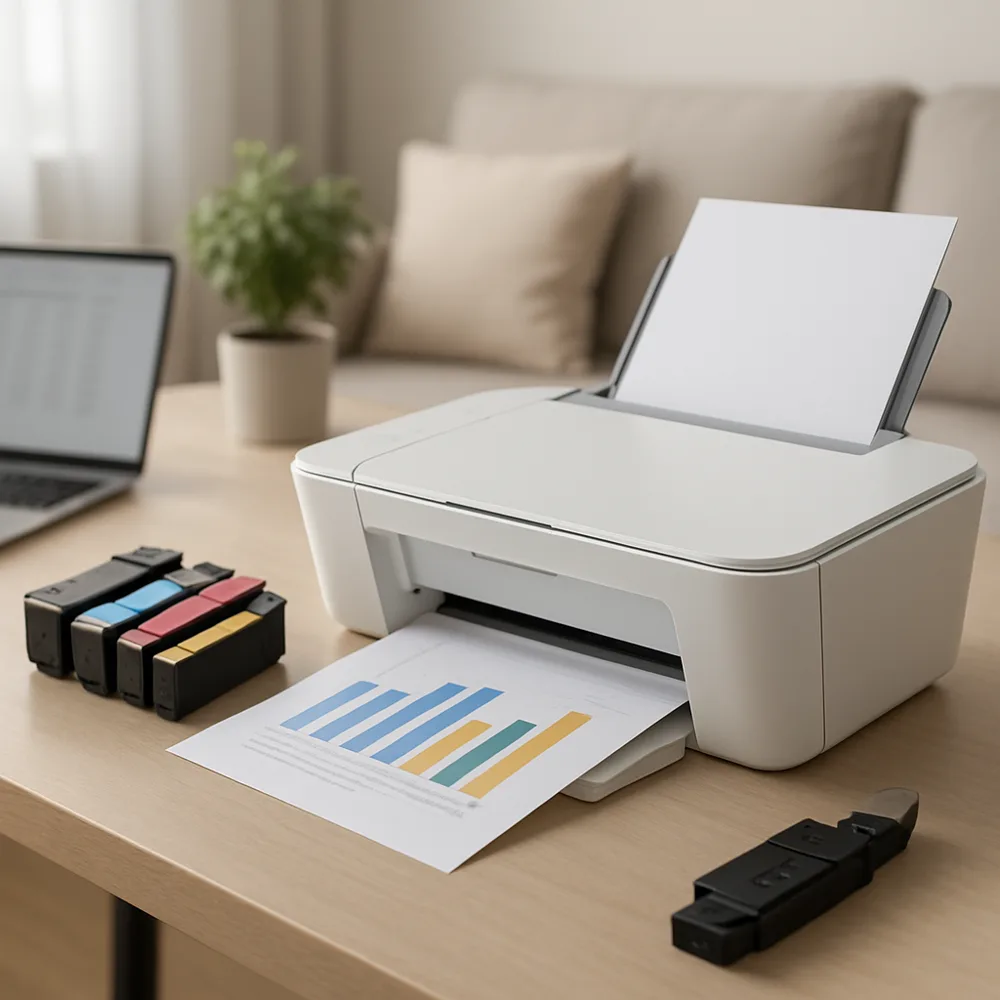
When a color disappears or looks faded, print the printer’s nozzle-check pattern before changing document settings. Missing segments in a color section can indicate a blocked nozzle, while an entire blank color may point to an empty, unrecognized, or incorrectly installed cartridge. A test pattern provides a consistent reference.
Check the printer display or utility for supply alerts. Confirm the cartridge is the right model and seated as instructed. If it is new, make sure all required protective tape or packaging has been removed without touching the nozzle or contacts. Do not remove and reinstall cartridges repeatedly, since unnecessary handling can introduce problems.
Run the printer’s recommended cleaning cycle once and print another test. Follow the manual about whether to wait before a second attempt; cleaning consumes ink and frequent cycles are not a substitute for diagnosis. If the pattern has improved, allow the printer to rest and check again later. If no change occurs, consult the model’s specific troubleshooting steps.
Also verify that the selected paper type and color settings are appropriate. A draft mode or grayscale option can make output seem wrong even when cartridges work. If only one application prints incorrectly, try a test page from another program. This helps determine whether the issue is in the printer, driver, file, or software settings.
Also on this site: All coverage