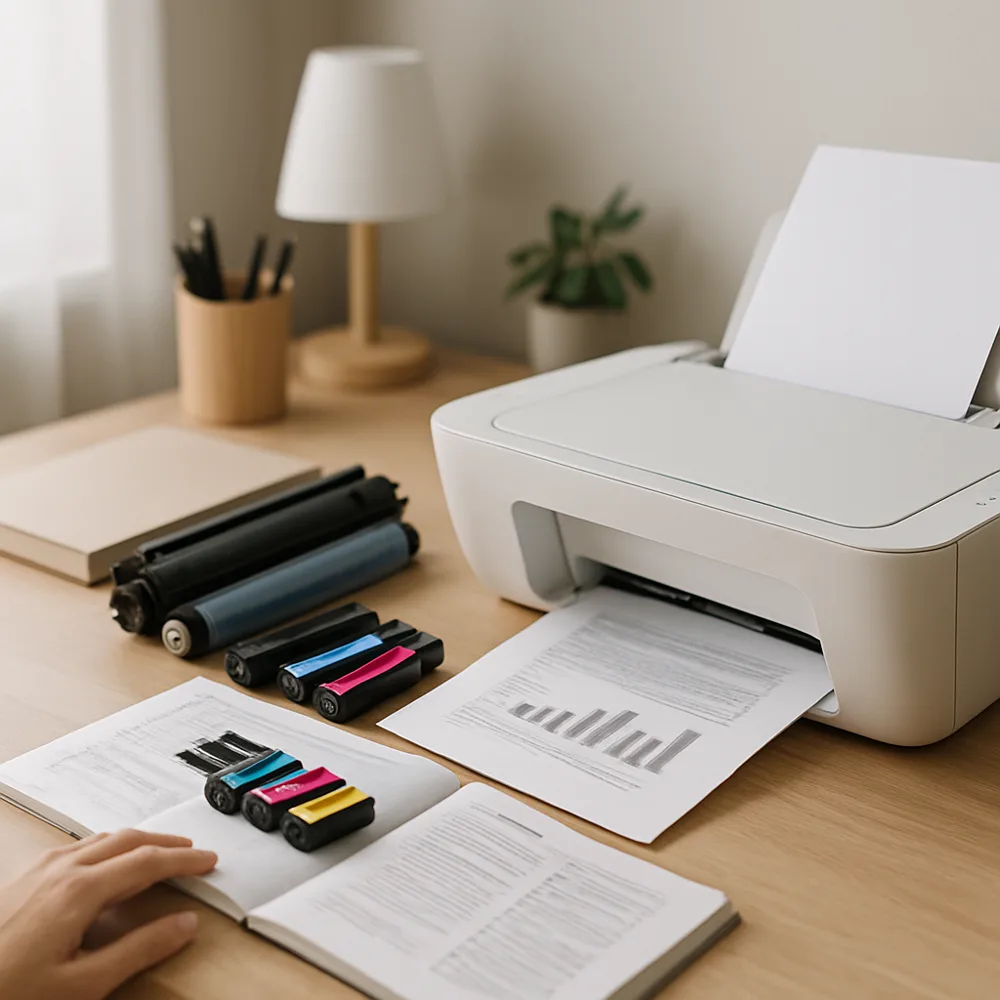
Use paper that fits the printer’s supported size and weight range. Damp, curled, torn, or heavily creased sheets are more likely to feed poorly. Store paper flat in its packaging and keep it away from humid rooms. Before loading, check the stack and remove sheets with bent corners or damaged edges.
Adjust the tray guides so they rest lightly against the stack without squeezing it. Load only up to the marked limit, and keep different paper types separate unless the printer supports mixed media. Follow the tray’s loading diagram to place the printable side in the correct direction, especially when using letterhead or preprinted forms.
If a jam occurs, use the printer’s screen or manual to locate the approved access points. Turn off the device if instructed, and remove paper slowly in the direction the paper path normally travels. Check for small torn scraps, but do not force open panels or reach near hot or moving parts. Close covers securely before resuming.
When jams happen repeatedly in the same spot, note the tray, paper type, and print job. A particular stock may exceed the printer’s limits, or a roller may need attention. Avoid pulling paper from the wrong end or using sharp tools to dislodge it. Follow the model’s maintenance guidance if routine loading checks do not solve the problem.
Also on this site: All coverage