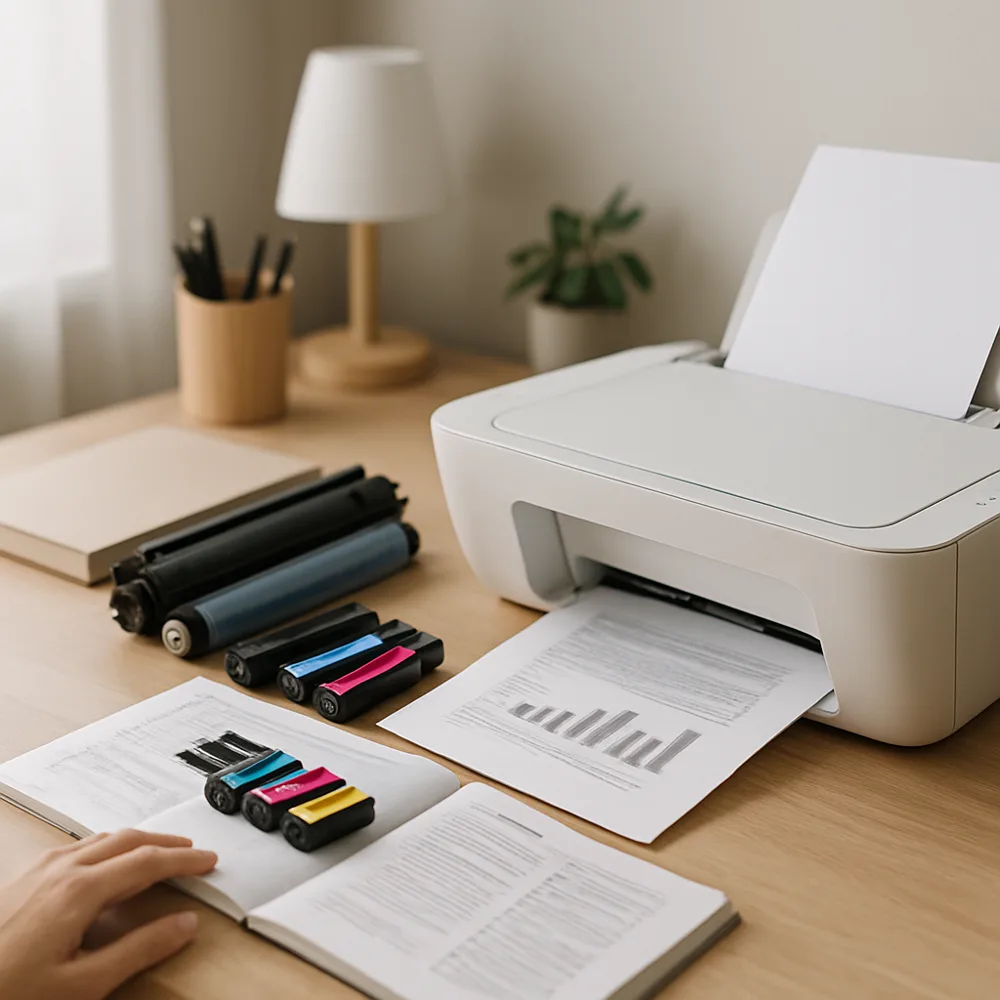
Keep the area around the printer reasonably clean and leave room for ventilation and access. Store paper in a dry place, close its packaging between uses, and check the tray for bent or dusty sheets before a large job. These habits reduce avoidable feed problems and help protect media from moisture.
Follow the printer’s own maintenance schedule rather than running every available cleaning function on a calendar. Inkjet cleaning cycles consume ink and are usually intended to address print-quality symptoms. If output looks wrong, print a quality or nozzle test first, then use the relevant recommended procedure.
Check cartridges when the printer reports a supply issue or when output changes. Handle them by their casing and avoid touching contacts, print nozzles, or imaging surfaces. Keep replacement supplies sealed until needed and store them according to their package directions. Note cartridge numbers so you can reorder the correct type.
Periodically review connection status, driver updates, and the print queue if the printer is shared. Clear obsolete jobs and confirm that the correct device remains selected. When an error appears, record its wording and the task underway before changing settings. A measured routine makes troubleshooting easier and avoids replacing supplies or parts without evidence.
Also on this site: All coverage