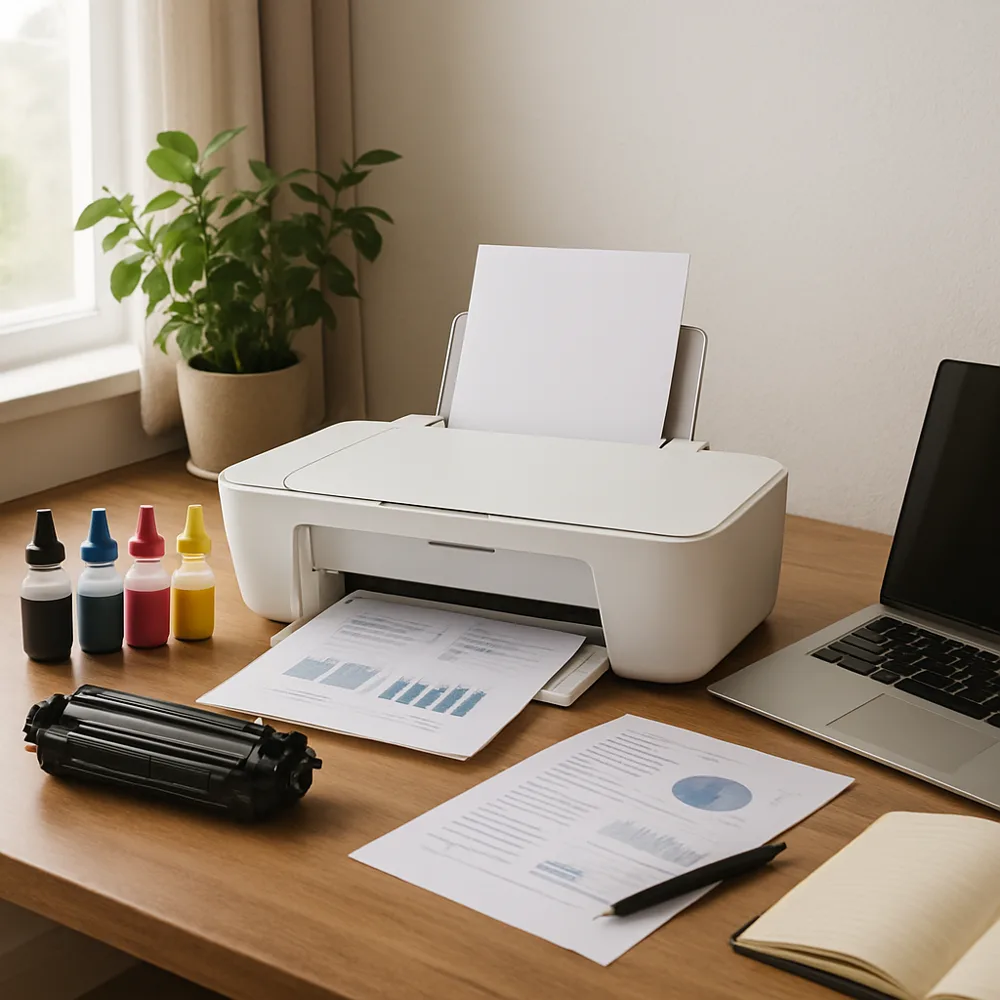
Before sending a document to the printer, open print preview and scan each page. Look for blank sheets caused by an accidental page break, a single line spilling onto a new page, or content cut off at the margins. Fixing the source document first is usually easier than reprinting a flawed copy.
Check the selected printer, paper size, orientation, and page range. A document designed for one paper size may be scaled or cropped when another is selected. If you need only part of a file, enter the specific pages rather than printing the entire document and sorting it afterward.
Preview can also help you decide whether to print in grayscale, use duplex mode, or reduce the number of pages per sheet. Choose a layout that remains easy to read; shrinking fine text too much can make a paper-saving setting counterproductive. For color documents, check whether photographs or large backgrounds are necessary for the purpose.
For a long or important job, print one sample page before producing the full set. Confirm that headers, footers, page numbers, and tables appear correctly. A brief review does not catch every printer issue, but it can prevent many simple mistakes and conserve paper, ink, and toner.
Also on this site: All coverage