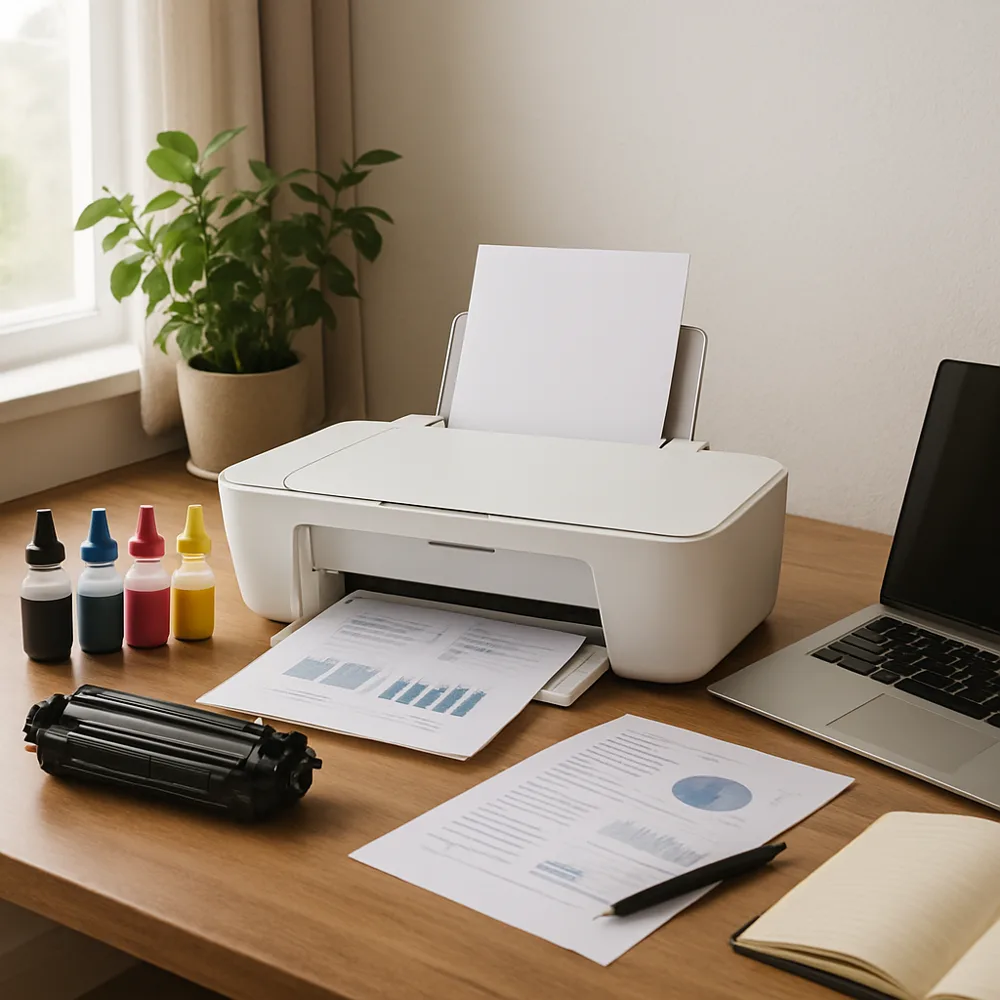
Draft or economy mode typically reduces print density, detail, or the amount of ink used for a page. It can be useful for personal notes, early edits, and documents that will be read briefly. The exact effect differs by printer, so a quick test helps you decide whether the text remains comfortable to read.
Before printing a large draft, preview the document and choose the correct paper size and page range. Remove blank pages and unnecessary graphics, and consider printing multiple pages per sheet only if the result will still be legible. For inkjet printers, the driver may offer a draft setting; some laser models label a similar option economy or toner save.
Do not use the lightest setting for signed records, forms that will be copied, or documents that need clear fine print. Very faint output can be harder to scan and may lead to a reprint, canceling any savings. A normal quality setting is often a better choice for important or long-term records.
Keep a few reference pages from different settings to compare. If draft pages develop gaps or look uneven, check supplies and print quality rather than assuming the mode is responsible. Using draft selectively, along with previewing and duplex printing, can reduce waste while keeping finished documents appropriate for their purpose.
Also on this site: All coverage